Analytics & Social Graph
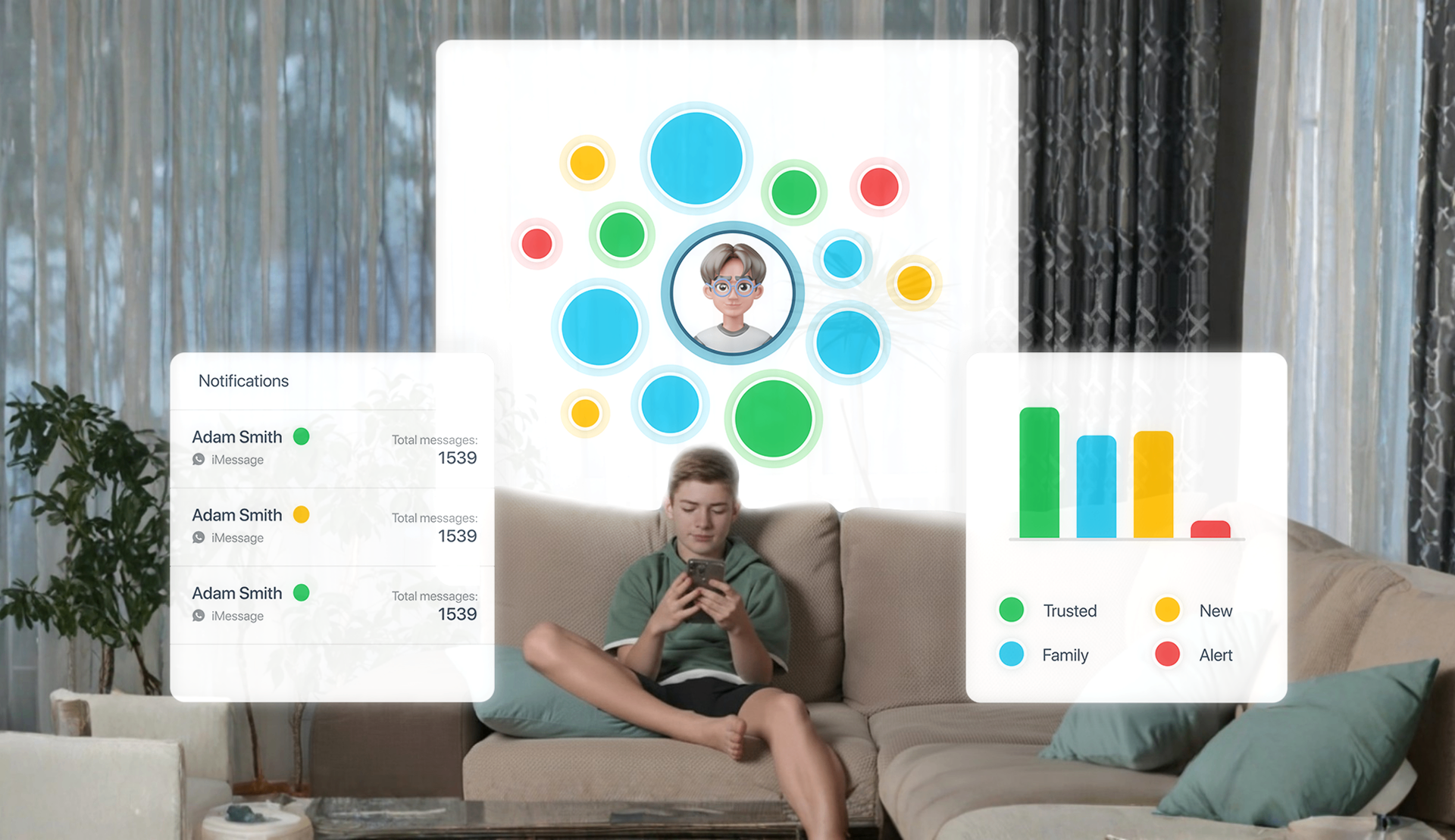
Visualise your child's digital world with insights about their messaging trends, new contacts, and alerts. Metrics that help parents understand what's happening in their child's world.
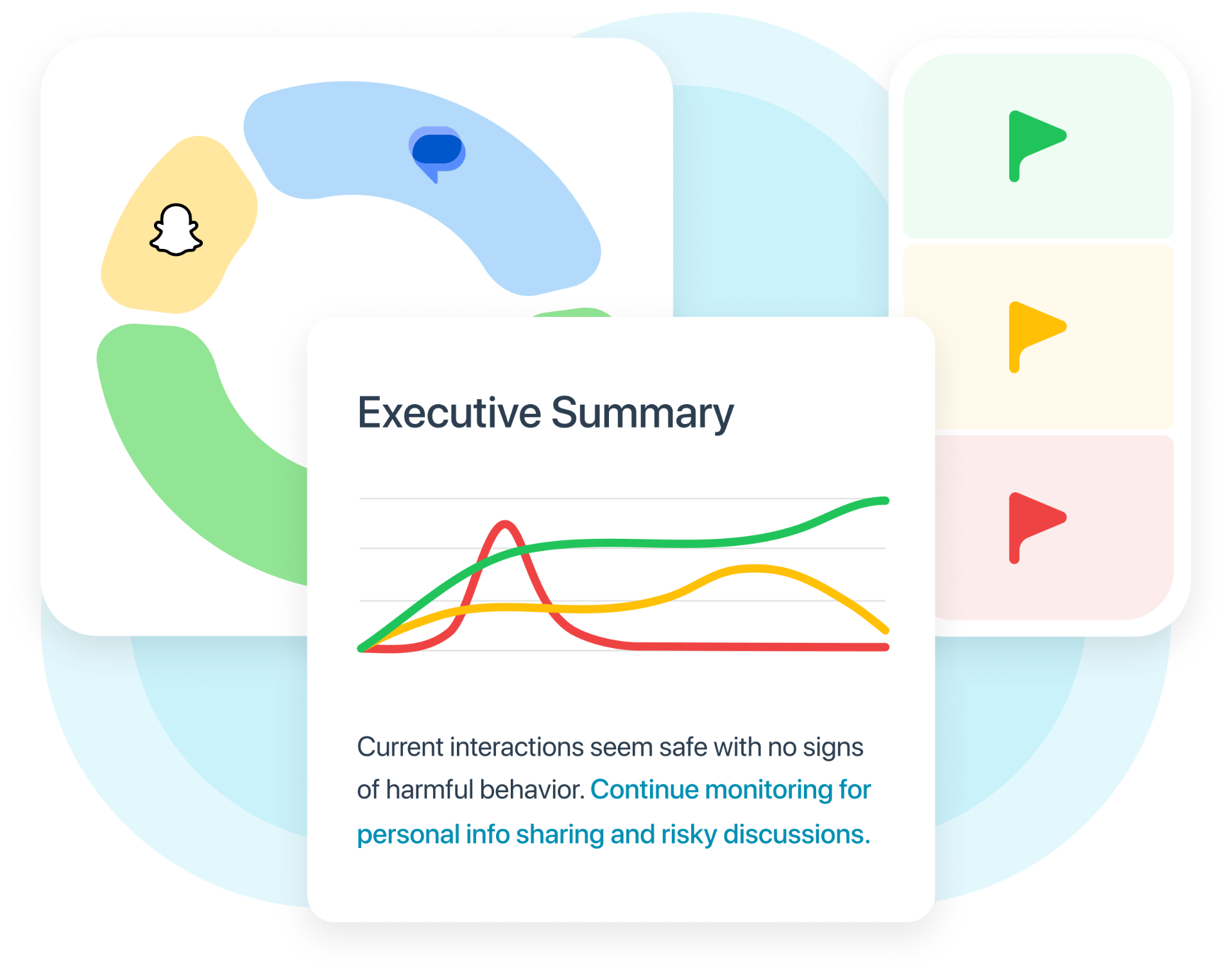
Joey turns messaging activity into simple, trustworthy insights parents can use. See message trends, active and new contacts, and the kinds of Smart Alerts appearing over time. The social graph helps you understand your child's broader digital world-so you can step in early and talk, not snoop.
What analytics you'll see
Track trends, spot changes, stay informed.

Message Volume
See how conversations grow or quiet down week by week.
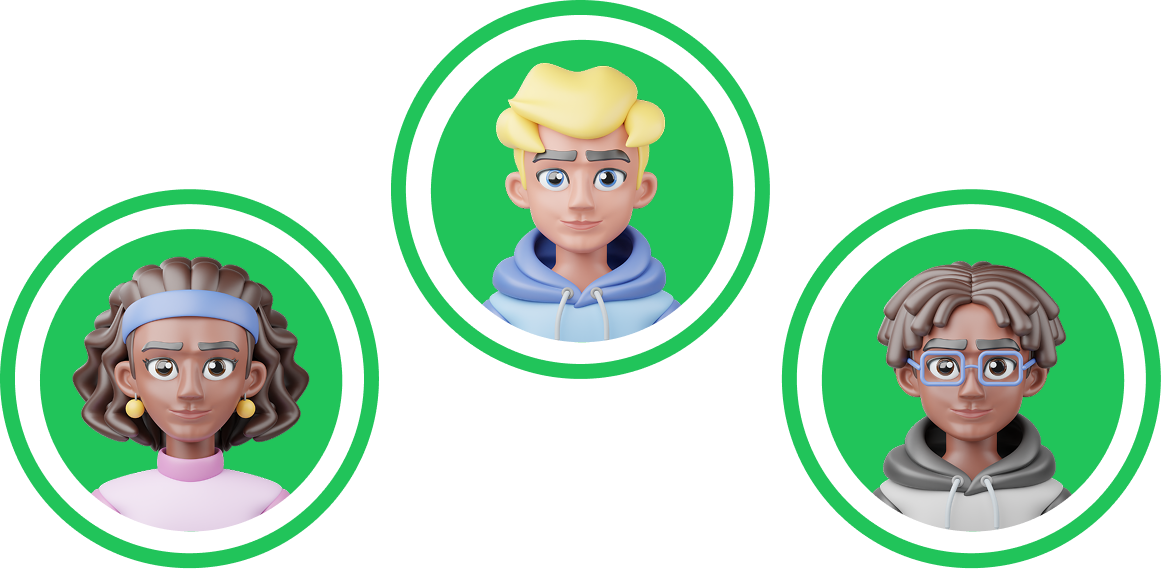
List of Active Contacts
Track who your child messages most and when new contacts appear.
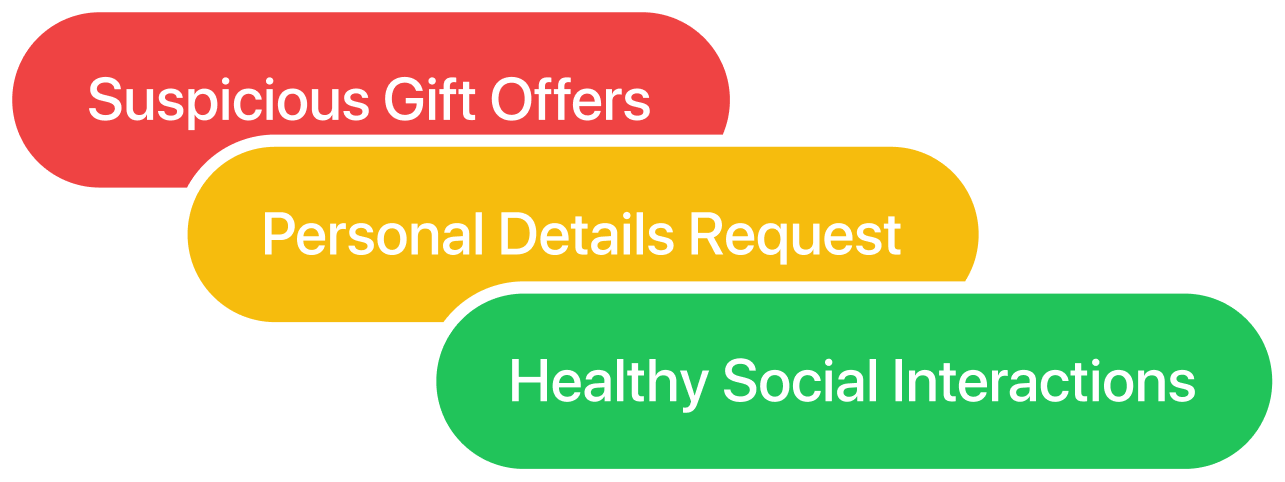
Smart Alert Categories
View which alert types are rising or falling to spot shifting behaviors early.

Social Graph Basics
Visualize Connections Clearly
See who your child interacts with most frequently and spot emerging contacts that might need attention. The social graph visualizes relationships and communication patterns, helping you understand the broader context of your child's digital social life without invading their privacy.
From Insight to Action
Conversation Starters, Not Full Chat Reports
Analytics give you conversation starters, not full chat reports. Use trends to ask thoughtful questions, address concerning patterns early, and guide your child toward safer digital habits. Combine with the How's My Child? Report for a complete picture and actionable next steps.
Related features for parents
Explore these to get the full picture
iPhone Monitoring
Complete iPhone monitoring hub
Smart Alerts
Clear alerts for online safety concerns
How's My Child? Report
Weekly insights and trends
Risky Contacts
Spot unknown numbers and suspicious outreach
Frequently Asked Questions
Get started with Joey
Keep your child safe in 3 steps
Step 1: Install Joey Desktop on your family computer

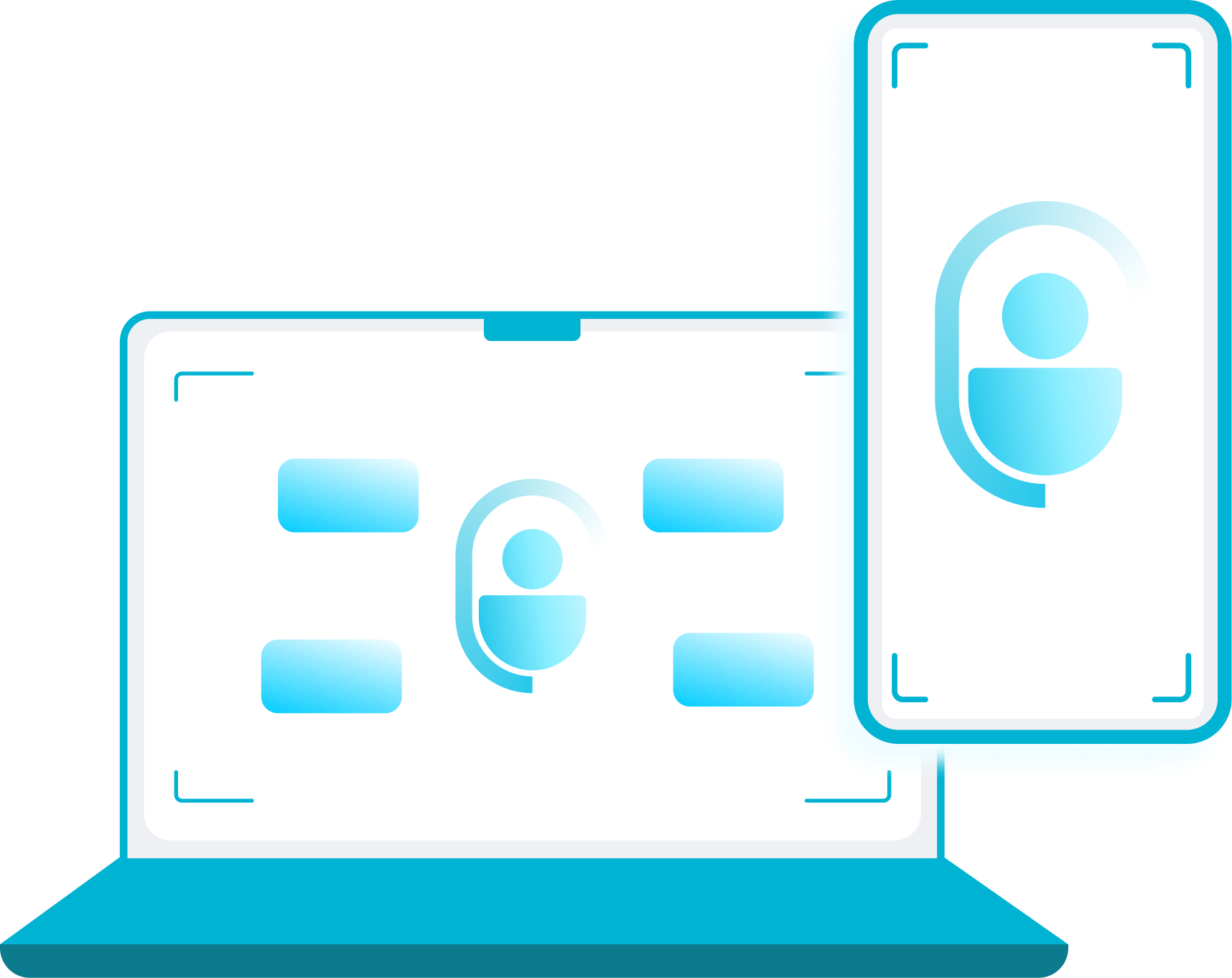
Step 2: Sync your child's iPhone
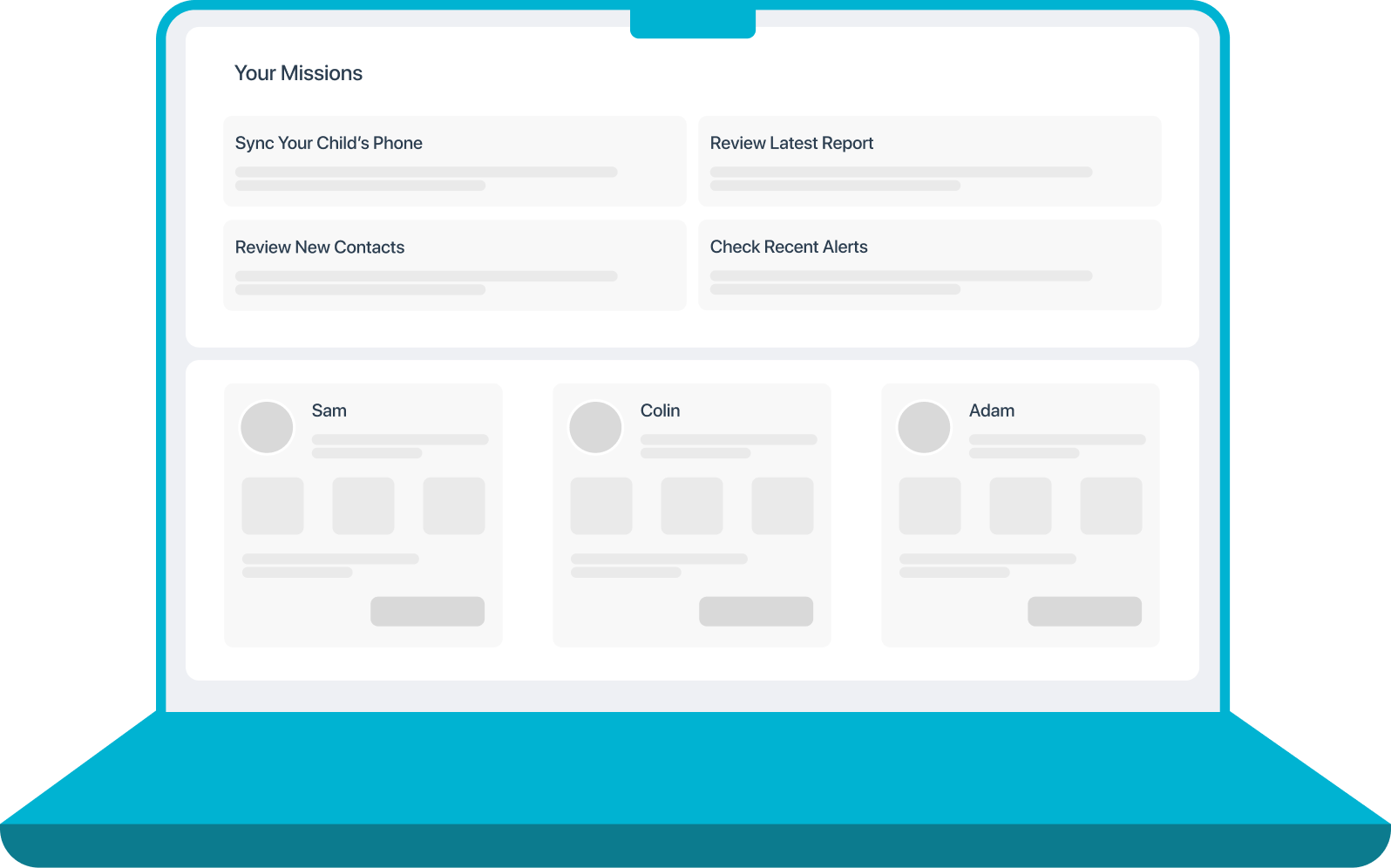
Step 3: Access your parent dashboard
What Joey doesn't do
Joey doesn't block contacts, restrict apps, or control your child's device - that's what simple screen time tools are for. Joey provides insights about what your child is doing online (when they are allowed online, and permitted to use safe apps), and who they are interacting with online. We aren't about blocking your child from danger, we are there to support families be safe, by learning what real safety is, enabling parents to effectively guide and teach their children.