Risky Contacts (Stranger Danger)
Joey helps parents understand their child's online contacts, who they are communicating with, enabling them to verify and trust all contacts, while spotting risky contacts.
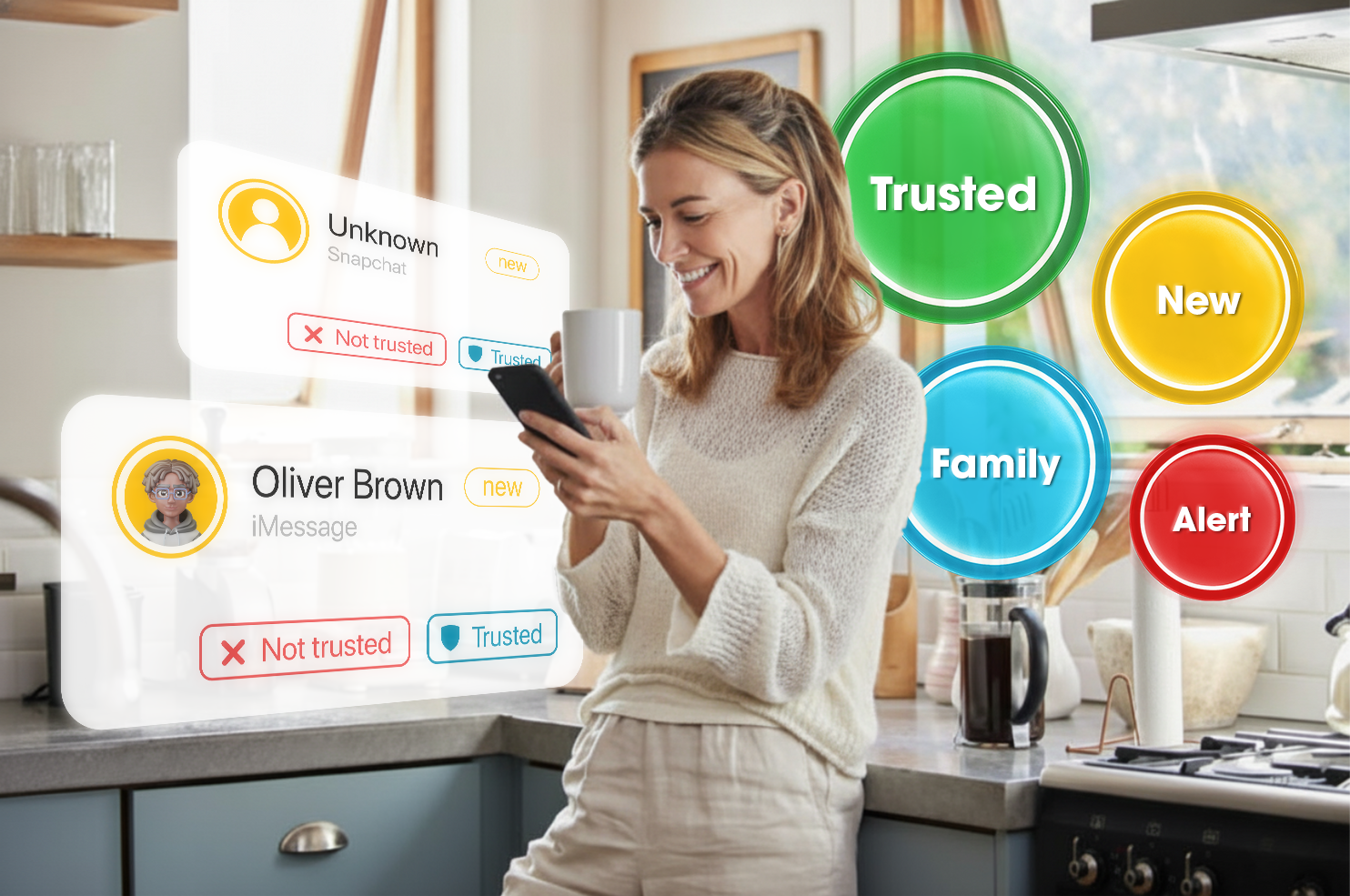
New names and numbers show up in kids' messages all the time. Joey helps parents verify who's who-flagging unknown numbers, rapid contact churn, risky names, and suspicious outreach patterns-so you can guide the next conversation.
How Risky Contacts (Stranger Danger) Works
Understanding who's who in the zoo
Your child is likely going to have dozens of contacts they are messaging with. Add in group chats and the number of contacts might multiply by ten. As you scroll through your child's messages to check everything is okay in their online world, does this sound familiar: "Hey honey, who is Sebastian? Who is Lucas? Is our son talking to girls now? Seriously, I don't know who half these kids are!"
What's the solution? We designed this feature so you can get a solid handle on who all these unfamiliar contacts are. New contacts are flagged by Joey from the start. This prompts me to ask my son, "Who is so and so?" It is a dialogue. I learn a lot. Joey also links alerts with contacts so you get an easy insight into contacts you might want to discuss in more detail. It is an eye-opener, and you feel better knowing.
Flag new contacts
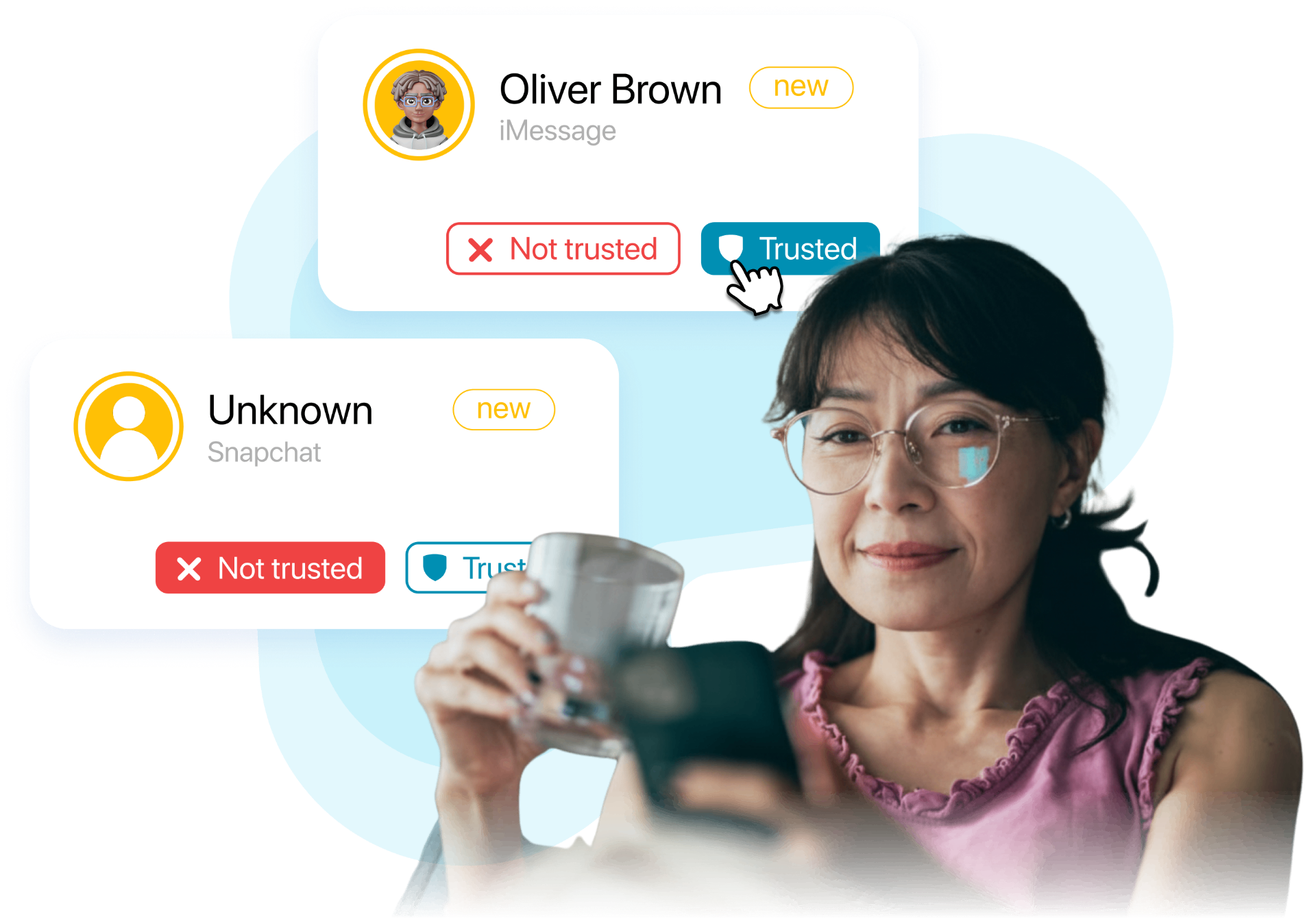
Joey spots unfamiliar numbers entering your kid's messages.
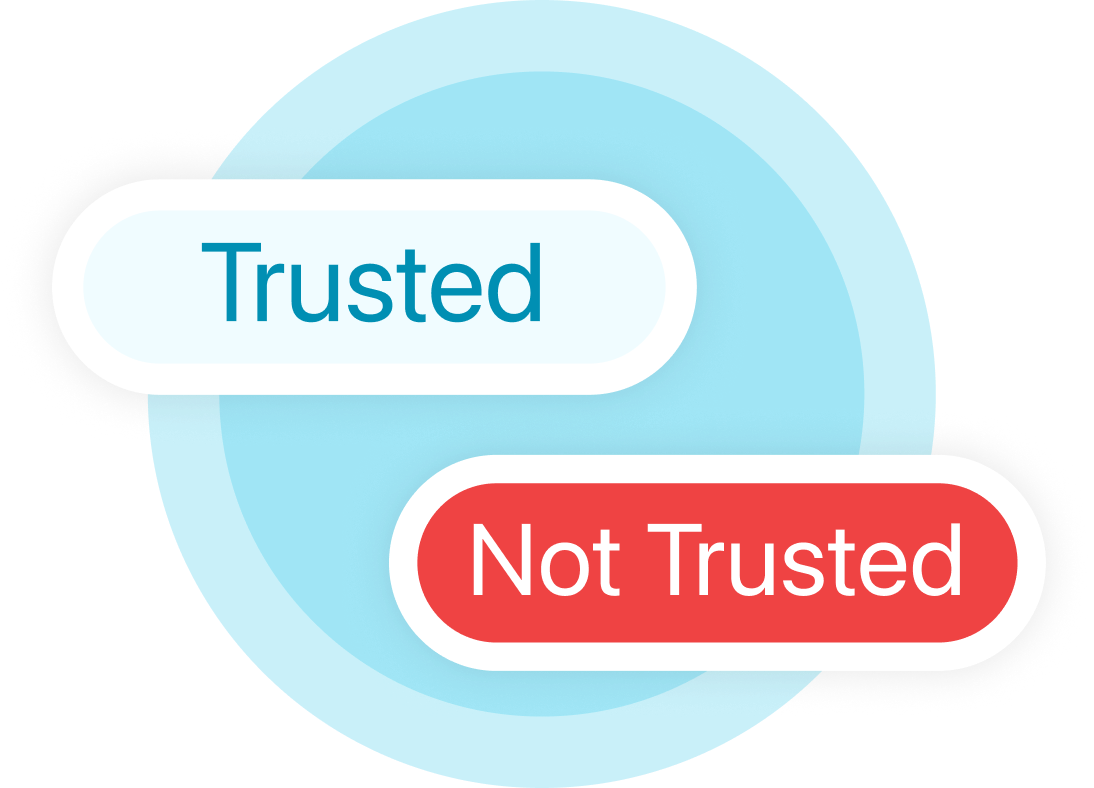
Verify contacts
Contacts and risk signals are used by parents to determine 'Trusted' and 'Not Trusted' contacts.
Alerts & contacts
Smart alerts enable parents to review risky contacts.
Identifies risky behavior
Spot unusual messaging trends and changes in your child's relationships.
What Joey Flags vs.
What You Decide
You Stay in Control
Joey surfaces risk signals and contact information, but you remain in complete control. Review flagged contacts, assess the context with your child, and make informed decisions about next steps. No automatic blocking or restrictions-just the insights you need for better conversations.
Want to see the wider network? Explore the Joey Social Graph to understand how contacts connect across your child's digital life.
Privacy-First
Trust Through Transparency
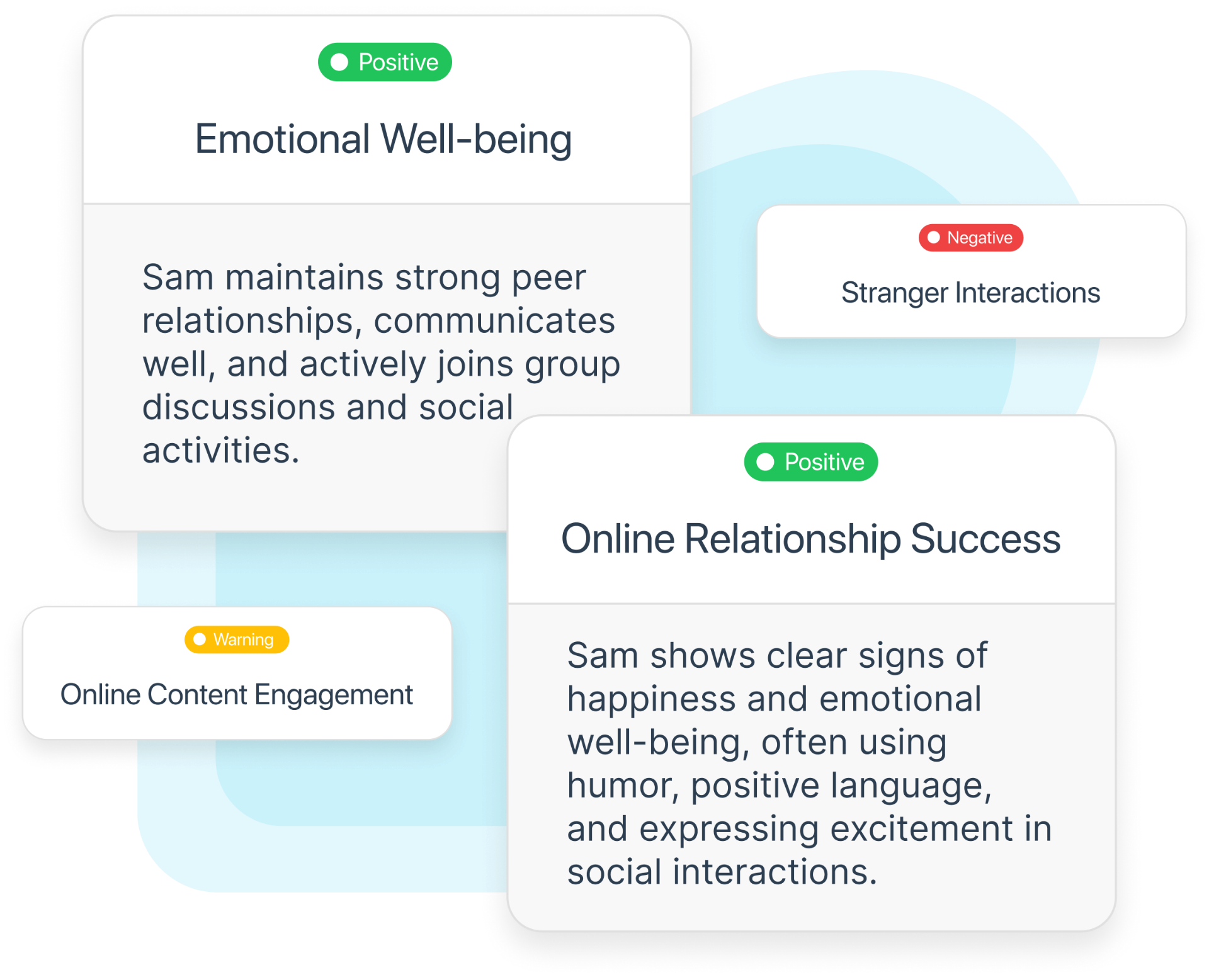
Risky Contacts (Stranger Danger) works with summaries and risk signals, not full message content. Your child's conversations remain private while you get the safety insights that matter. Built for transparency and trust.
Related features for parents
Explore these to get the full picture
iPhone Monitoring
Complete iPhone monitoring hub
Smart Alerts
Clear alerts for online safety concerns
How's My Child? Report
Weekly insights and trends
Analytics & Social Graph
Trends, contacts, and alert categories
Frequently Asked Questions
Get Started
with Joey Family
Get Started1Install Joey Desktop
Download and install the Joey desktop app to get started on your family's safety journey.
2Sync Child's iPhone
Securely connect your child's iPhone so Joey can start watching over their messages and activity.
3Access Parent Dashboard
Get clear, parent-friendly alerts the moment something needs your attention, right in your dashboard.

What Joey doesn't do
Joey doesn't block contacts, restrict apps, or control your child's device - that's what simple screen time tools are for. Joey provides insights about what your child is doing online (when they are allowed online, and permitted to use safe apps), and who they are interacting with online. We aren't about blocking your child from danger, we are there to support families be safe, by learning what real safety is, enabling parents to effectively guide and teach their children.