iPhone & iMessage Monitoring
Understand your child's digital world — and keep them safe.
Joey protects kids across messaging and social platforms by reviewing iMessage, Snapchat, Google activity and more, delivering clear alerts for bullying, suspicious contacts, concerning language, personal info sharing, money pressure, emotional distress, and other risks so parents can step in with confidence. Our goal is to prompt parents at the right time to have the best conversations with their kids about a range of online safety topics, protecting them, and our families.
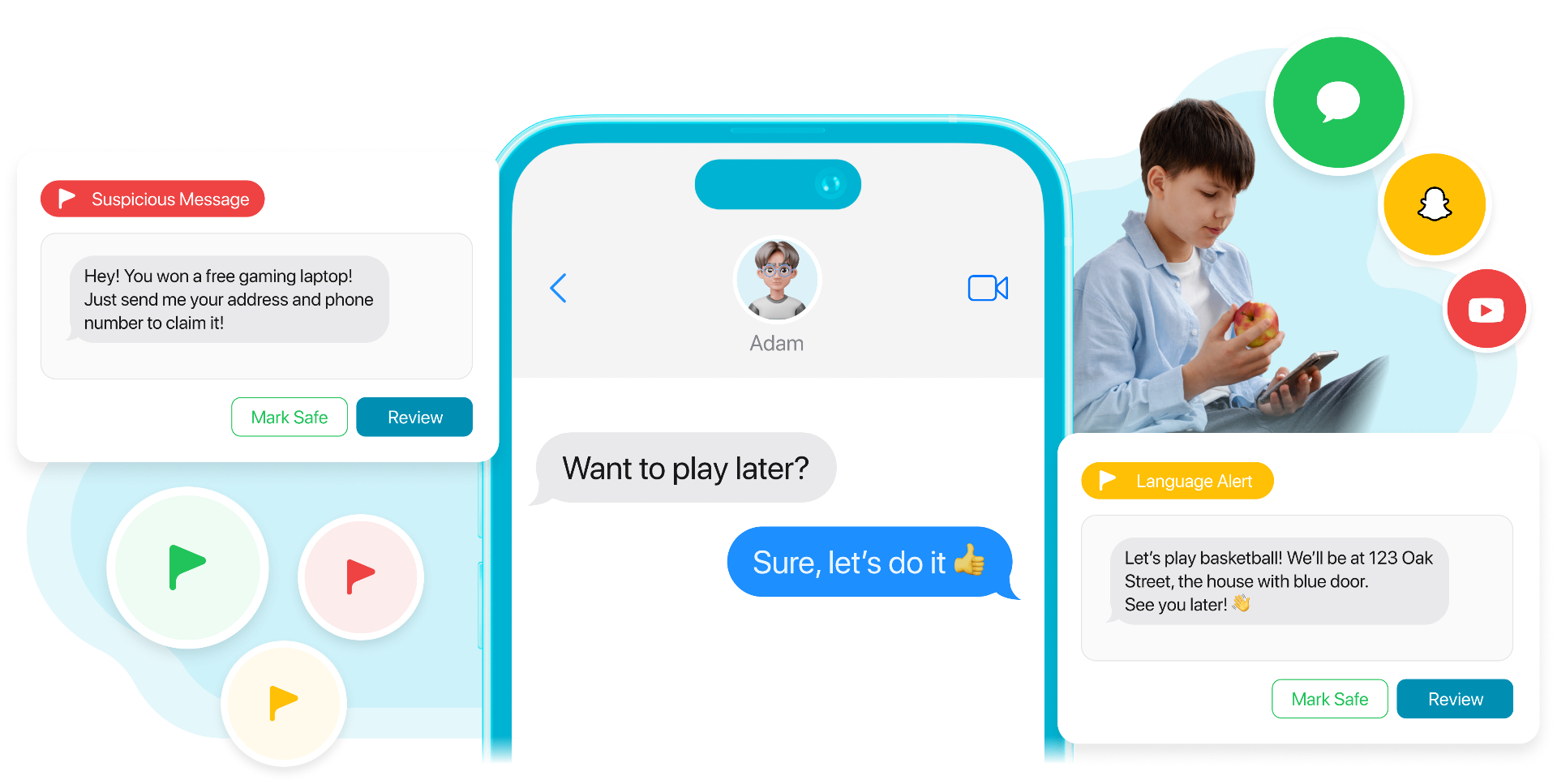
Screen Time vs monitoring: what each one does
Screen Time is great for limits and rules. Monitoring is about spotting concerning activity in messages so you can step in early.
Screen Time (parental controls)
- Sets limits (apps, downtime, content restrictions)
- Helps prevent access to risky content
- Doesn't surface what happened inside messages
Monitoring (Joey)
- Flags concerning patterns in messages and contacts
- Helps you spot issues like risky contacts, bullying language, or oversharing early
- Complements Screen Time, not replaces it
Use Screen Time
Set rules, limit apps, reduce distractions.
Use monitoring
Spot concerning activity in messages and contacts.
Use both
Use both when you want: guardrails + early warning signals.
Start here
Secure your child's iPhone (step-by-step)
Secure your child’s iPhone with step-by-step guidance on Screen Time basics, communication safety, unknown senders, red flags, and when to enable monitoring signals.
What Joey Monitors Today
Understand messaging activity with privacy and care
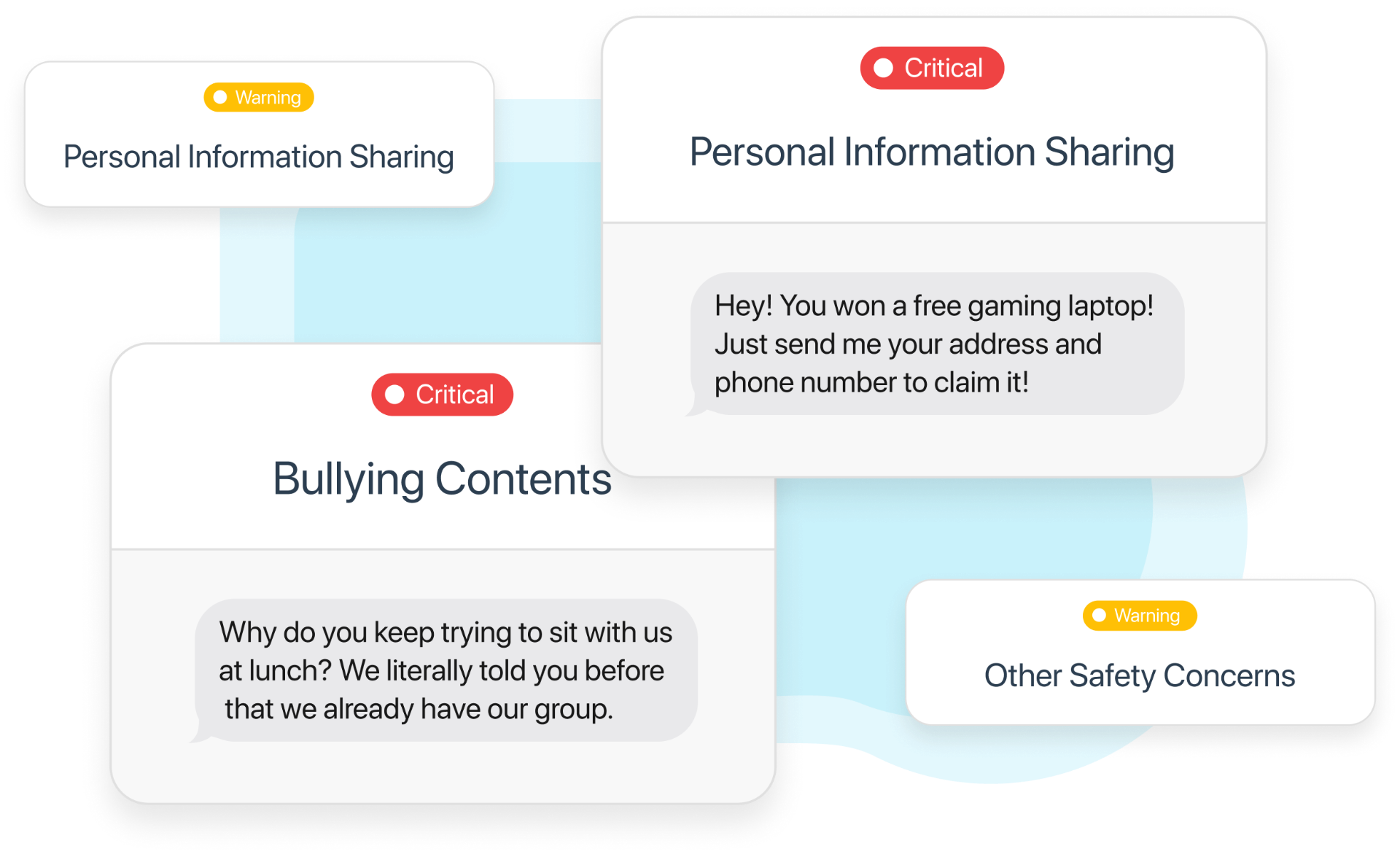
Joey surfaces Smart Alerts for bullying, risky contacts, sharing personal information, money and gift requests, emotional distress, concerning language, and drugs or alcohol, giving you the full story so you can respond with care and confidence.
Apple Parental Controls & Family Rules
How Joey partners with Screen Time and Family Sharing so parents get consent-based monitoring, not spyware.
- Screen Time setup checklists with screenshots
- How to explain Joey to your child and set boundaries
Snapchat Monitoring & Risks
How Joey summarizes Snap activity, streak pressure, disappearing chats, and private stories without screenshots.
- Spotting streak pressure, toxic stories, and screenshot drama
- How to coach kids when messages auto-delete
YouTube & Google Activity
How Joey summarizes searches, history, and risky recommendations from YouTube + Google to flag early concerns.
- Weekly digest of top searches & watched topics
- Categories for self-harm, violence, explicit content
Joey Desktop & Scheduled Scans
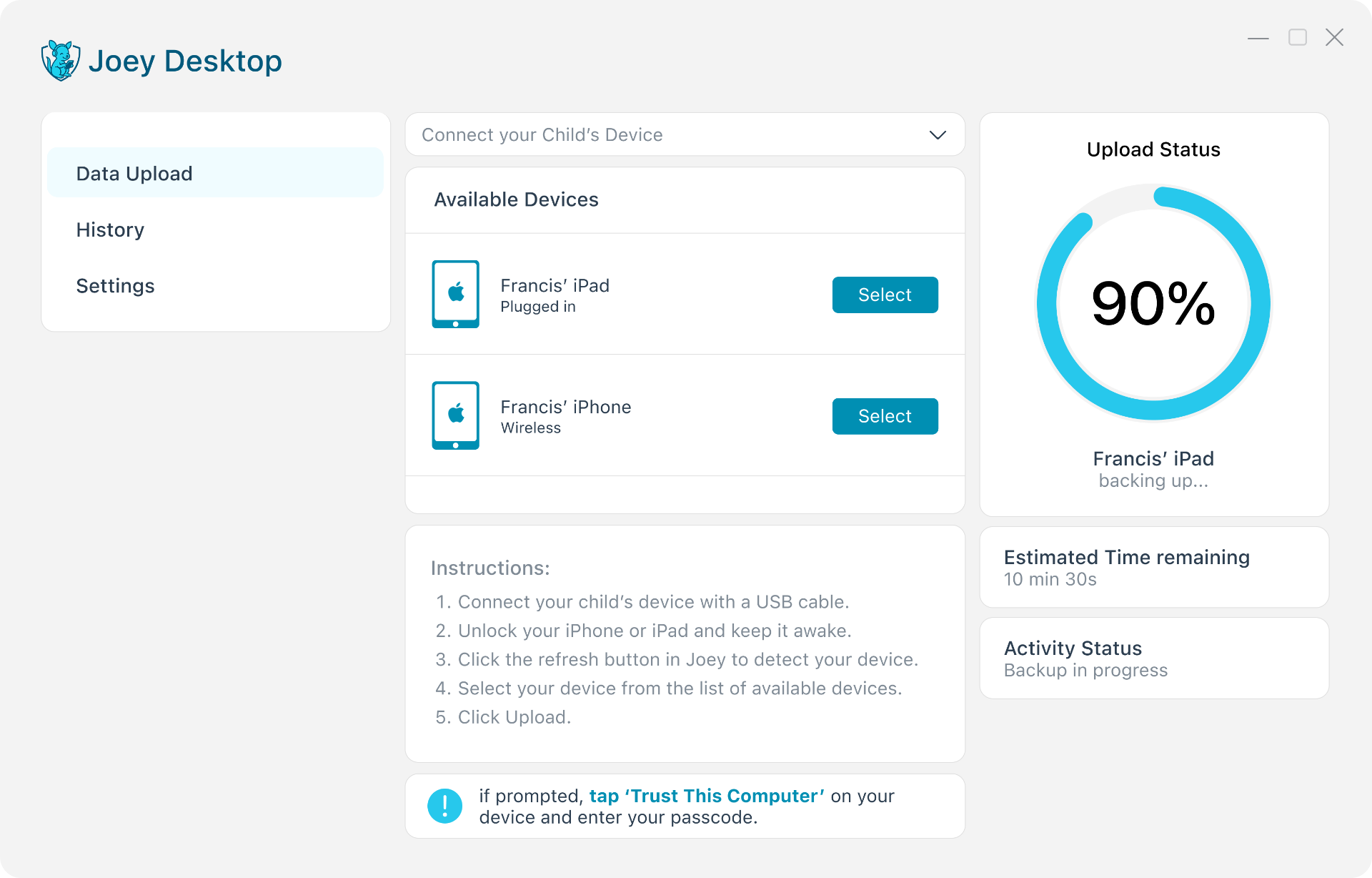
Step-by-step guide to installing Joey Desktop, syncing iMessages, and keeping backups secure.
- Available now for Windows and macOS
- Troubleshooting cable + Wi-Fi sync issues
Introducing Joey Desktop
Our secure agent to connect & protect your iPhone's data
First scan is wired
The first scan is wired, later scans can run wirelessly, and parents decide when Joey scans, either manually or on a daily schedule.
Scan when you choose
Joey uses parent-controlled, periodic scanning rather than constant live monitoring. Parents can scan manually whenever they choose or schedule one scan each day.
Complete backup stays local
The complete encrypted iPhone backup stays on the parent’s computer, while only authorised message and contact data is securely uploaded to Joey for analysis.
How it works
Joey Desktop gives parents a secure, family-controlled way to understand their child’s digital world without installing a constantly active monitoring app on the child’s phone. The first scan is wired, later scans can run wirelessly, and parents decide when Joey scans, either manually or on a daily schedule. The complete encrypted iPhone backup stays on the parent’s computer, while only authorised message and contact data is securely uploaded to Joey for analysis.
Privacy-first monitoring
Privacy-Led Alerts
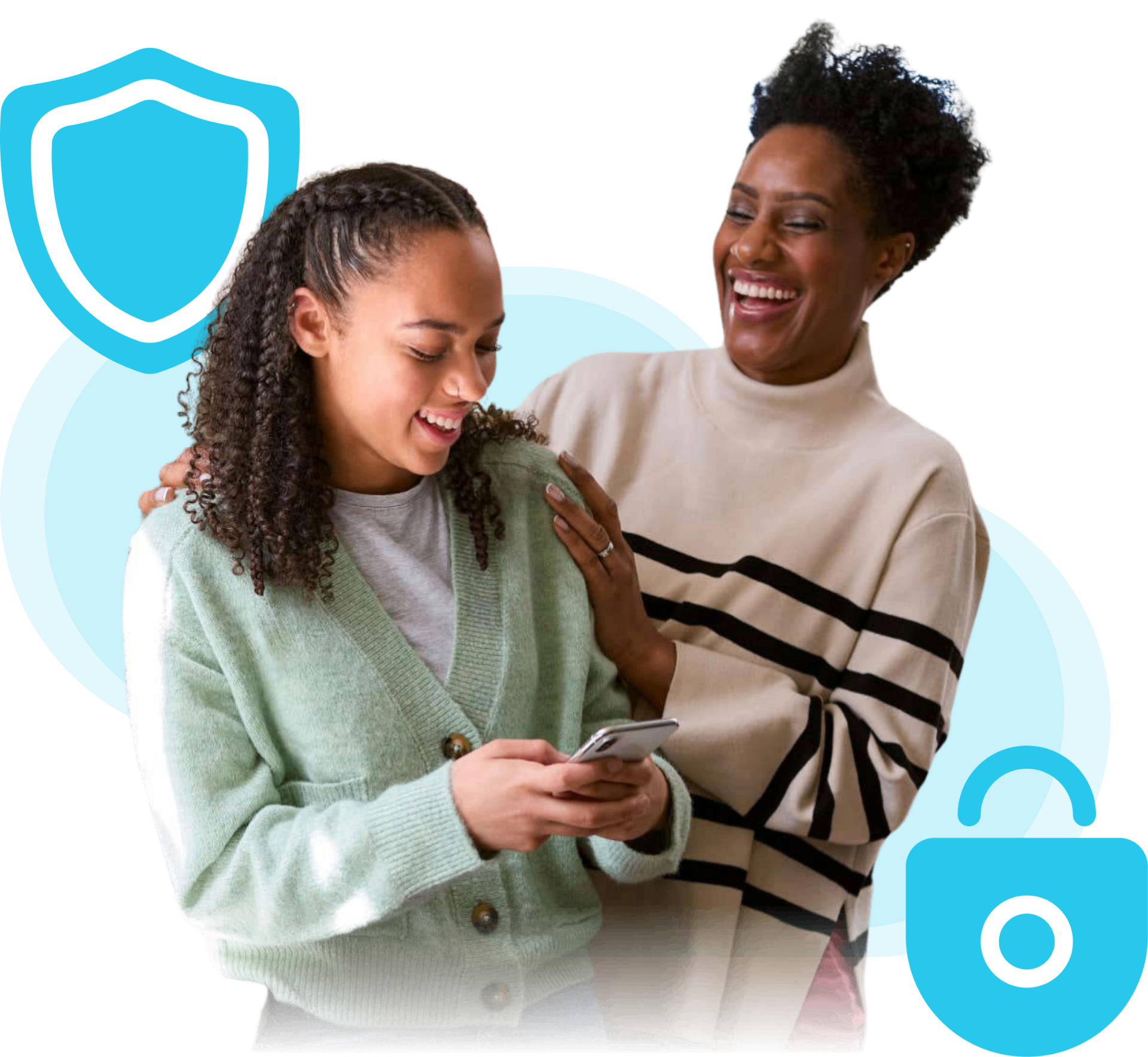
Joey provides alerts, reports and insights, not a live feed of your child’s messages. There is no Joey app constantly running on their phone and no continuous connection to their activity.
What Joey Looks For
Joey's safety scanning system assesses your child's digital footprint alerting you to risks, well-being signals, and concerning behaviours facing your child.
Suspicious contacts
Alerts you to dangerous interactions with unknown or suspicious individuals
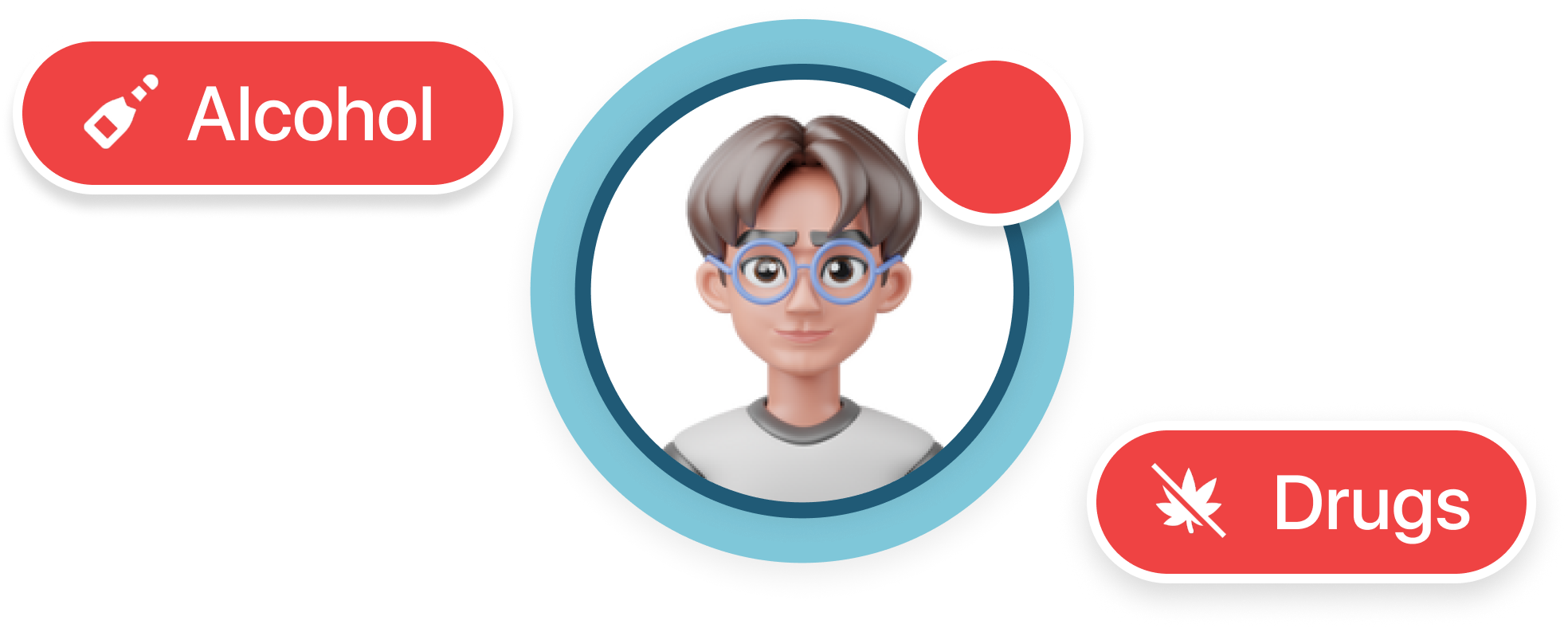
Drugs and alcohol references
Detects mentions of substances and related discussions.
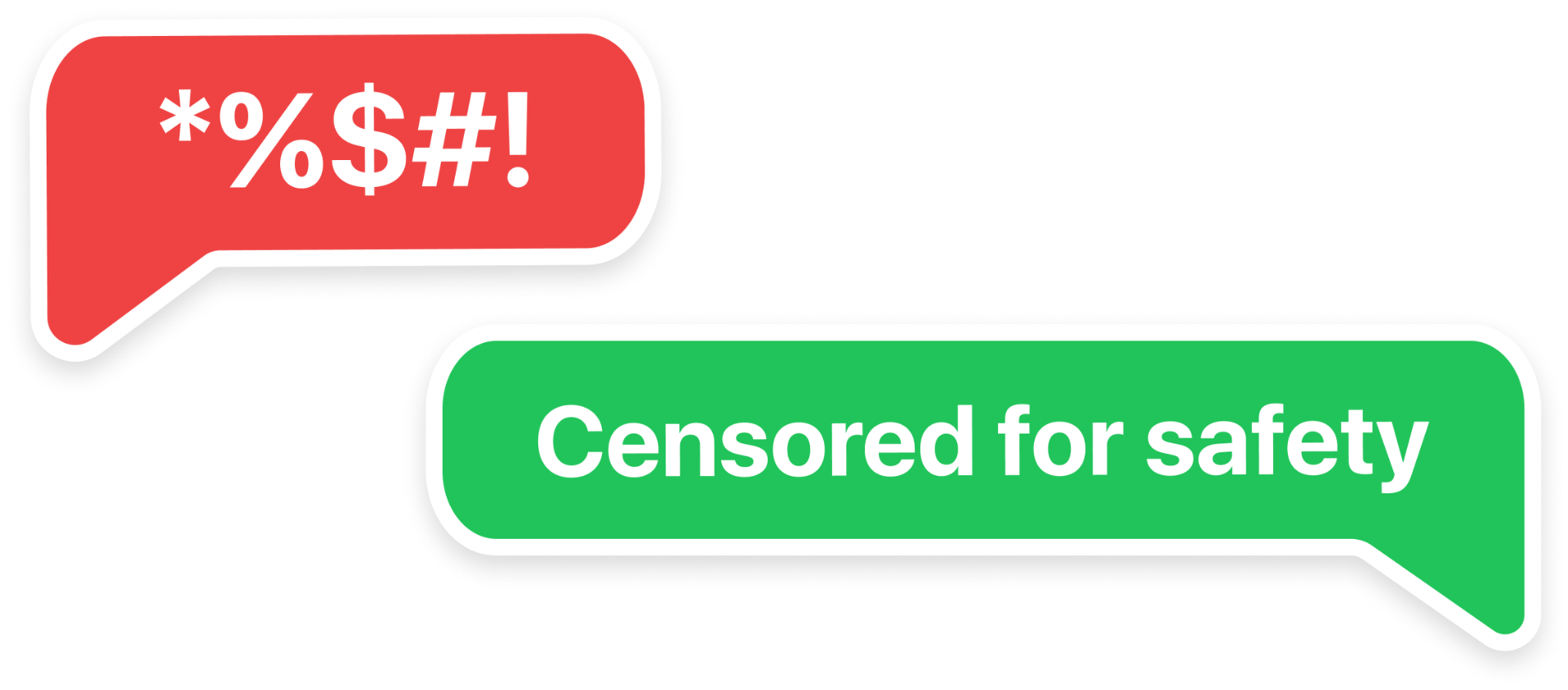
Obscenity Detection
Flags inappropriate or vulgar laguage.
Emotional distress signals

Trusted contacts
Bullying Detection
Detects harmful or harassing messages and helps keep conversations safe.
Common parent questions about iMessage monitoring
Clear answers that separate parental controls from safe, privacy-first monitoring.
Can parents monitor iMessage on iPhone?
Yes, but not with spyware. Joey uses Apple-native backups via Joey Desktop to analyse message history after each sync and surface safety alerts—no keylogging, no shared Apple IDs, and no hidden apps.
How can I monitor text messages on an iPhone without reading everything?
Joey looks for patterns and risk signals, then sends Smart Alerts and summaries so you can review together. You get awareness and conversation prompts without needing to read every message.
iMessage parental controls vs monitoring: what's the difference?
Parental controls (Apple Screen Time) set limits and restrictions. Monitoring is the awareness layer that helps you spot risks and talk about them. Families use both together.
Explore Joey's core features
Explore these to get the full picture
Smart Alerts
Clear alerts for online safety concerns
How's My Child? Report
Weekly insights and trends
Risky Contacts
Spot unknown numbers and suspicious outreach
Analytics & Social Graph
Trends, contacts, and alert categories
iPhone Safety Guide
Step-by-step: Screen Time basics, Communication Safety, unknown senders, red-flag messages — and when to add Smart Alerts.
Articles
Parent guides, conversations, and explainers