Detect your child sharing personal information (PII)
Warns when kids are asked to share addresses, passwords, schedules, or other details that should stay private.
Whether it’s a new crush asking for a home address or a scammer fishing for Apple ID codes, Joey surfaces PII conversations so you can reinforce safe sharing habits.
Get StartedWhat this alert monitors
- Flags chats that ask for or share phone numbers, addresses, or school details.
- Surfaces verification codes or password reset requests before they get used.
- Helps you coach safe-sharing habits without reading every message.
Detect child sharing personal information
Detect child sharing personal information so you can step in before phone numbers, addresses, or school details spread beyond trusted friends.
Joey surfaces requests for identifiers and signs of oversharing, then gives you a coaching prompt. No spyware. No keylogging. Safety signals with privacy-respecting summaries.
Use alerts to reinforce safe-sharing rules and update privacy settings together.
Examples of personal information to watch for
- Phone number or contact handle
- Home address or "meet me at" plans
- School name, uniform details, or pick-up spots
- Passwords, verification codes, or login reset links
- "Send me a photo of your..." requests
- Full name plus suburb or neighborhood
- Family details that enable social engineering
Joey in action: what this alert looks like
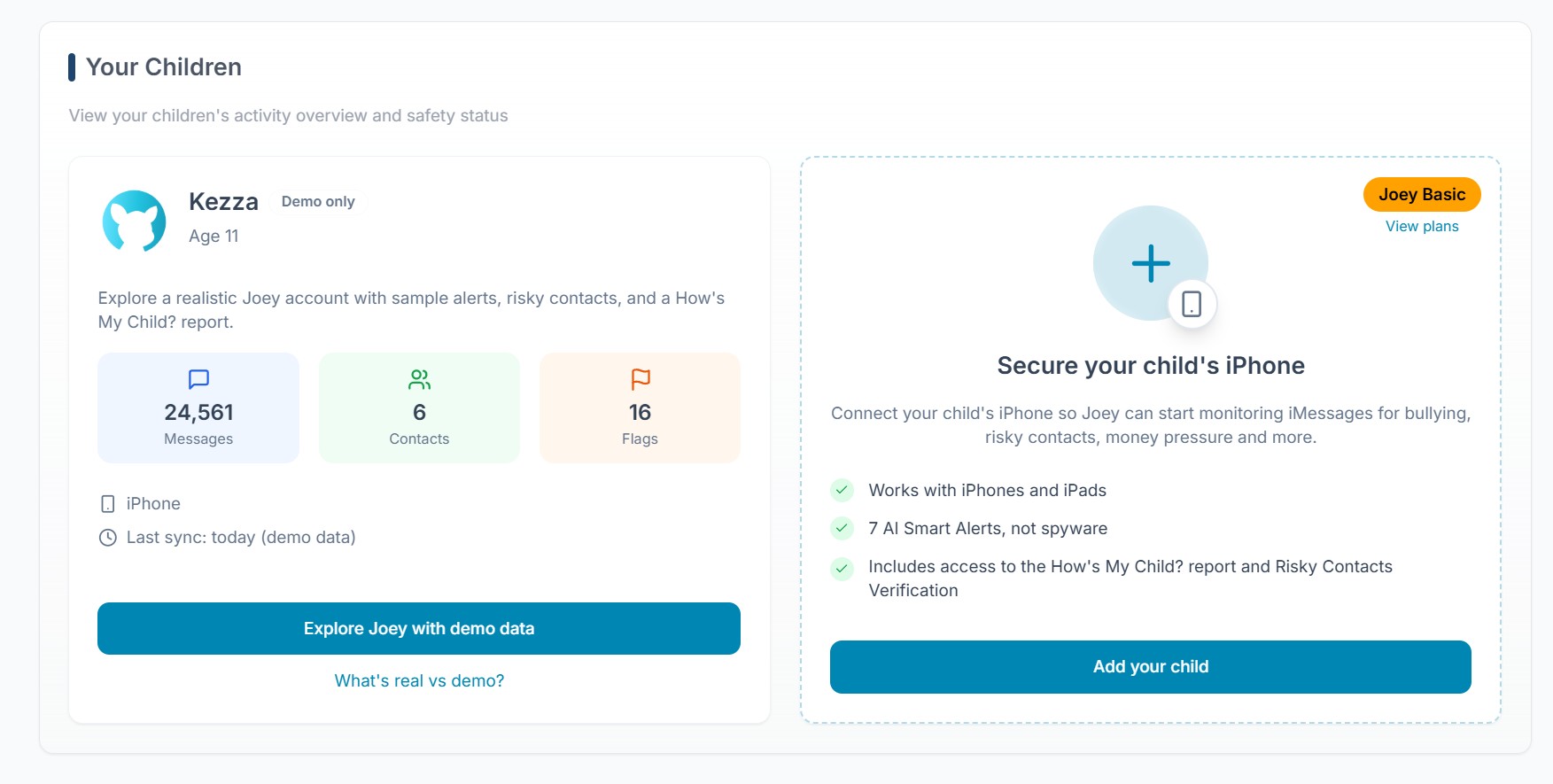
Personal information request alert
Flagged request for a phone number or address.
Oversharing reminder
Summary when chats include school or schedule details.
Coaching next steps
Every family conversation is different. Treat these ideas as starting points and add your own context, values, and tone.
FAQ: personal information alerts
What does "detect child sharing personal information" mean?
It surfaces when messages include identifying details or requests that could put a child at risk. You review the context and coach the safest response.
What kinds of details count as personal information (PII)?
Think phone numbers, home addresses, school names, full names with locations, photos, and verification codes.
What should I do if this alert triggers?
Pause the conversation, talk through what was shared, and update privacy settings if needed. If anything sensitive leaked, change passwords and lock down accounts.
Keep exploring
See all Smart Alert categories
Each alert has its own landing page with context, scripts, and screenshots. Head back to the Smart Alerts overview to browse every category at once.