Demo child

Meet Kezza: a realistic Joey demo

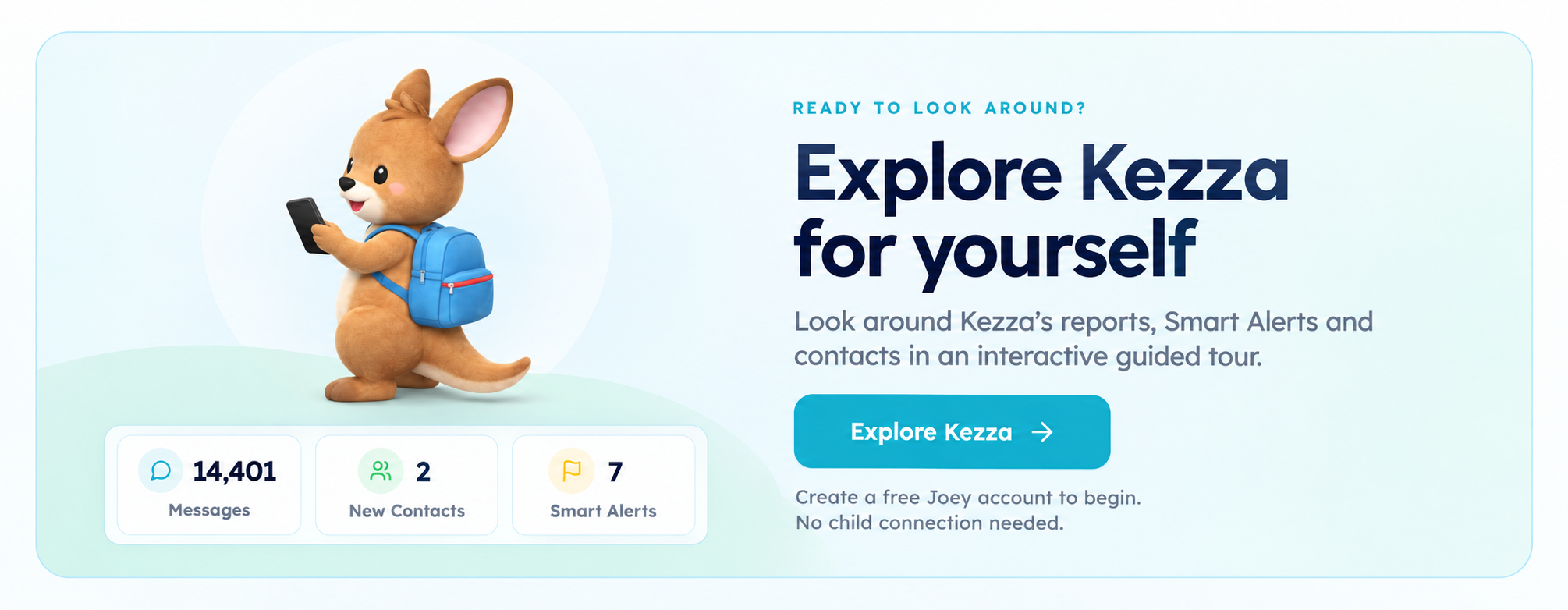
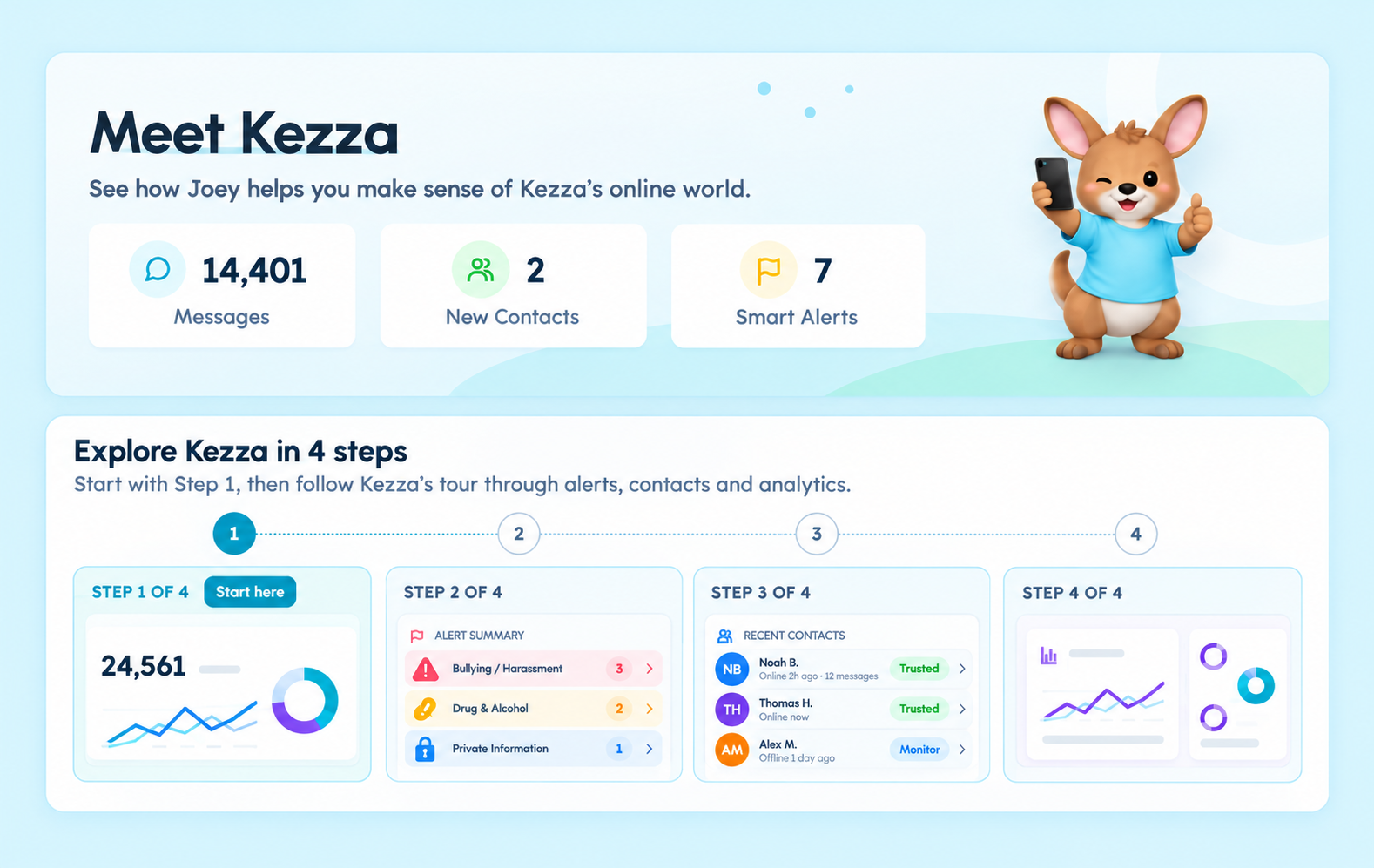
Explore a realistic demo child to see how Smart Alerts, reports, and Risky Contacts look before you sync any device. Kezza is built to show the signals Joey surfaces - without sharing any real data.

No child sync required. The demo is ready as soon as you create an account.

Welcome to JoeyFamily.com

Let's show you what Joey can do, then help you secure your child's iPhone.

Joey app home screen on a phone

What you'll see

A quick tour of the most important Joey screens using a realistic sample child.

Smart Alerts timeline

See how alerts appear after a sync, organized by risk category.

Risky Contacts flow

Review how unknown contacts are surfaced and verified.

Weekly check-in report

Scan a quick summary of activity trends and coaching prompts.

Coaching notes

See the short scripts Joey provides for calm check-ins.

Sample alerts

These are placeholders to show how alerts surface, with categories and context cues.

Concerning language

Alert preview placeholder for the Kezza demo.

Example alert card layout.

Risky contact

Alert preview placeholder for the Kezza demo.

Example alert card layout.

Money pressure

Alert preview placeholder for the Kezza demo.

Example alert card layout.

How it works

A short walkthrough of what happens once you create a free account.

Step 1

Create a free Joey account

No payment needed. Use your email to access the demo workspace.

Step 2

Open the Kezza demo child

Explore realistic alerts, reports, and contact insights in minutes.

Step 3

Decide on next steps

Start a real setup when you are ready, with no pressure.

FAQ

Is the Kezza demo real data?
No. It is a realistic sample child built to show how alerts and reports look without using any personal data.
Do I need to sync a child device to view the demo?
No. The demo is available immediately after you create a free account.
How long does the demo take?
Most parents can explore the key screens in about 2 minutes.