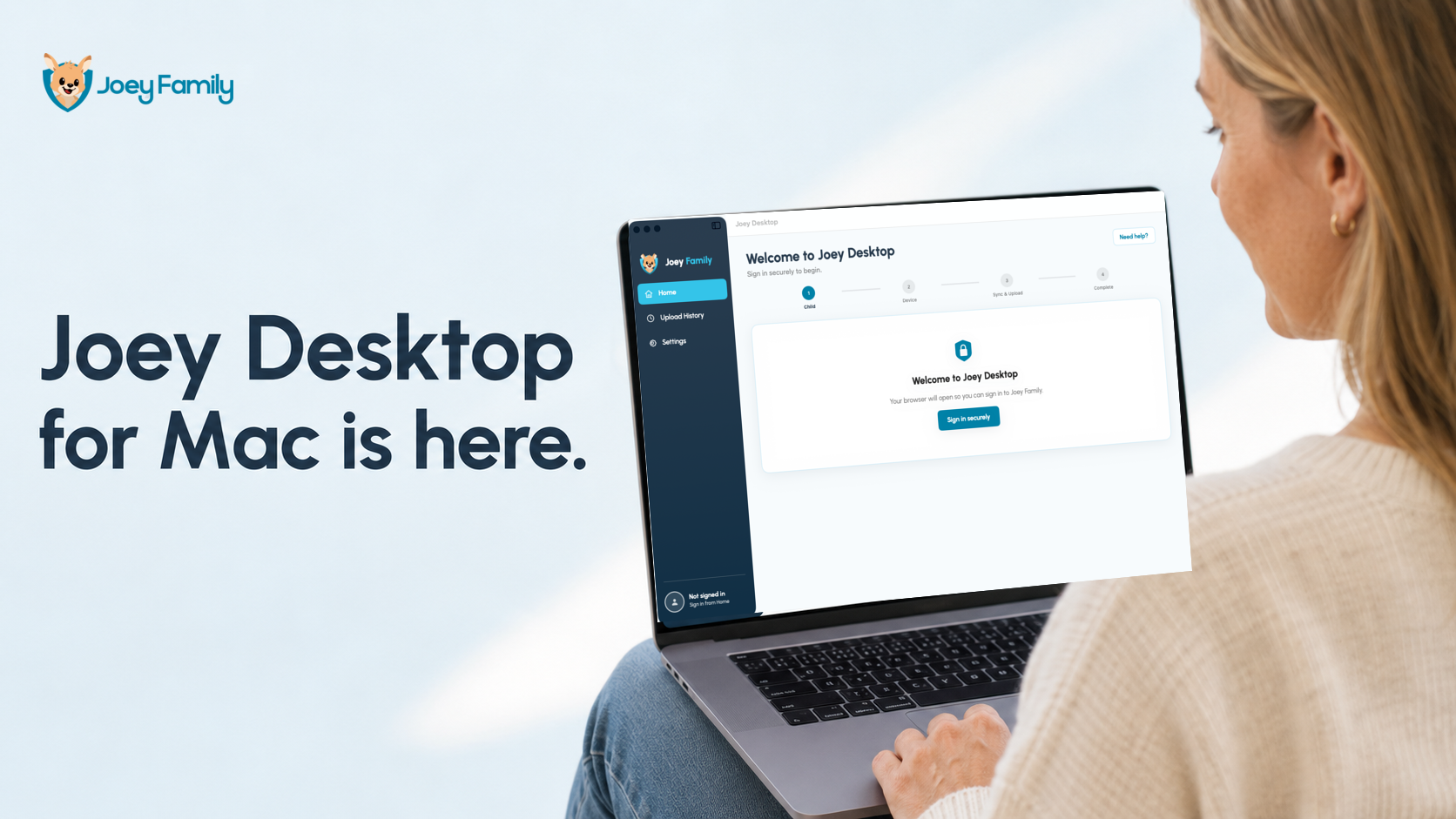
Joey Desktop for Mac is now available.
This has been the feature parents have asked us for most often. Until now, families needed a Windows computer to connect their child’s iPhone to Joey. Mac families can now use the computer they already have.
For me, this matters because setting up a family safety product should not require parents to change their normal technology or buy another computer. Joey should fit into family life as simply as possible.
What Mac support means for parents
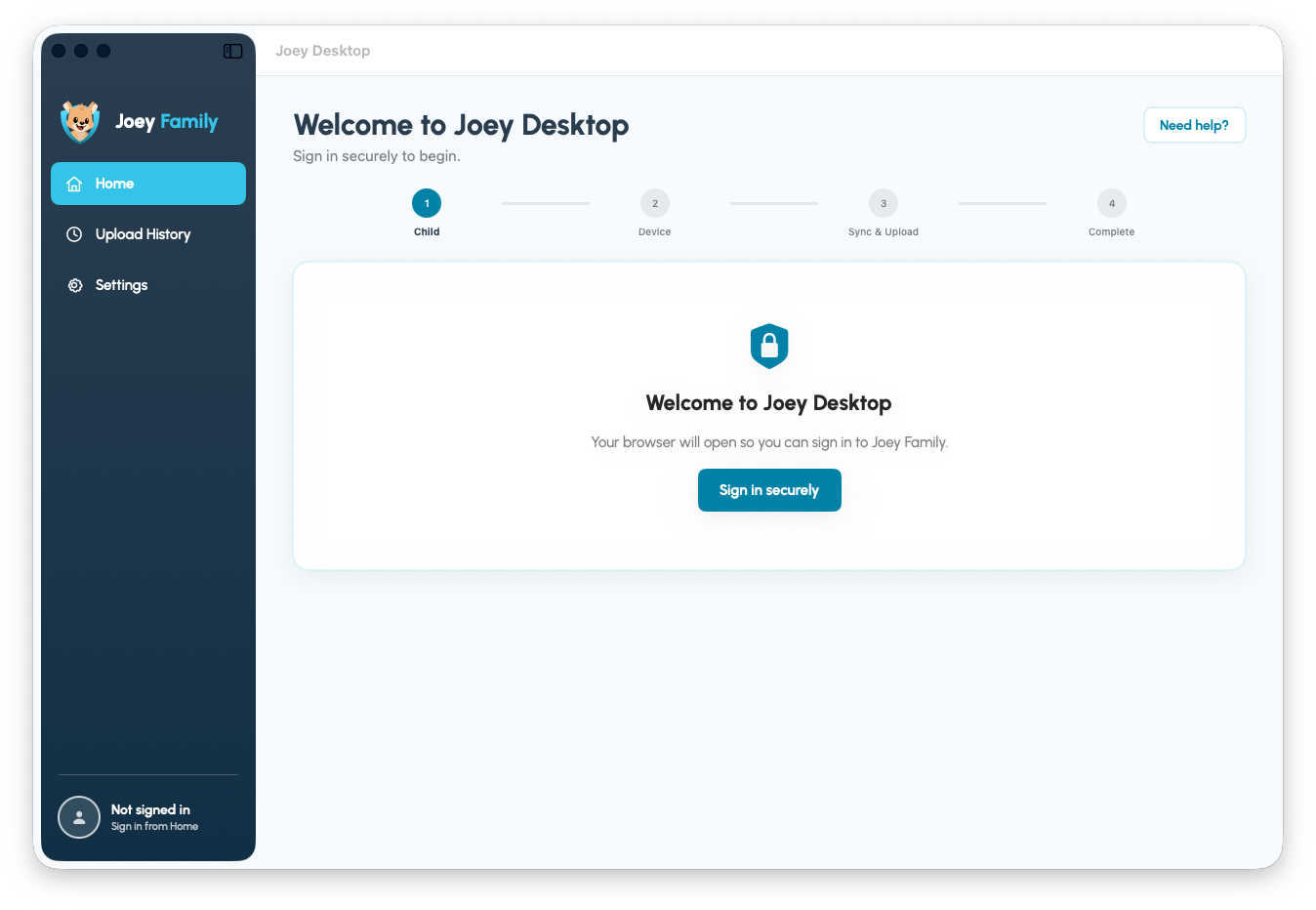
Joey Desktop helps connect your child’s iPhone to Joey Family. Once the phone has been synced, Joey can update the Smart Alerts, contacts, reports and patterns available in the parent experience.
The first connection uses a cable so the Mac and iPhone can establish Apple’s normal trusted-device relationship. After that has been set up, later scans can run over Wi-Fi when both devices are on the same network. Parents can choose when to run Joey or schedule a daily scan.
There is no Joey app constantly running on your child’s phone. Joey works through parent-controlled scans, giving families useful safety signals without trying to watch every moment.
Your complete iPhone backup stays on your Mac
Joey Desktop creates an encrypted Apple backup on the parent’s computer. That complete backup remains on the Mac.
Joey securely uploads only the authorised message and contact information needed to provide alerts, reports and insights. Attachments and media are not uploaded as part of this process.
This is an important part of how Joey has been designed. The goal is to help parents understand when something may need attention, not to create a live feed of everything their child says and does.
What you can see after a scan
After Joey receives the latest information, parents can use:
- Smart Alerts to see conversations or behaviours that may need attention.
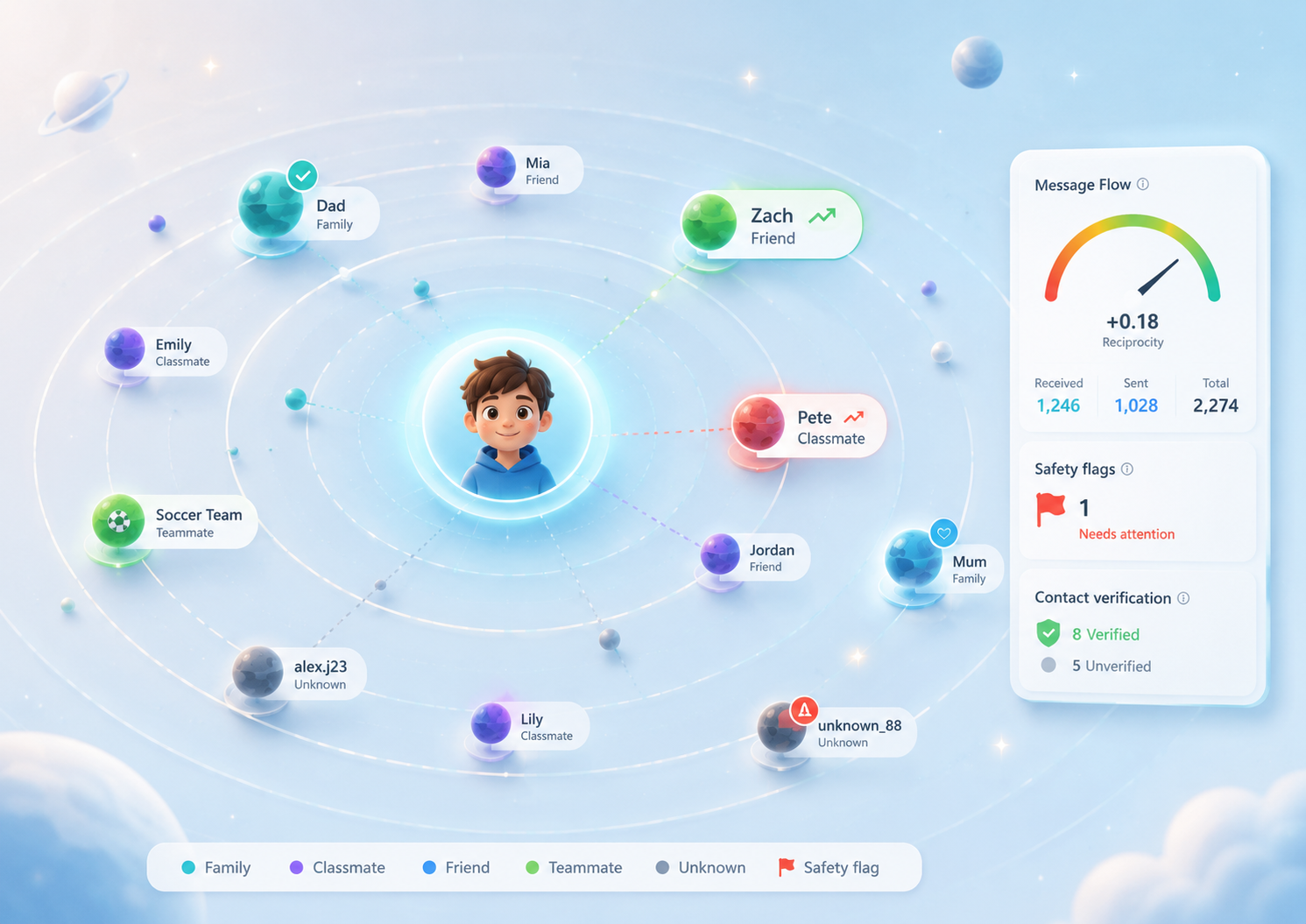
- Contacts to understand who is appearing in their child’s digital world.
- How’s My Child? to see a broader view of communication patterns and wellbeing signals.
- Analytics and Social Graph to understand changes, relationships and activity over time.
Joey is not designed to replace conversations between parents and children. It is designed to help parents know when a conversation may be worth having.
Joey Desktop now works on Mac and Windows
Parents can now use Joey Desktop on either Mac or Windows. The Joey parent experience remains available through the web, so parents do not need to own the same type of phone as their child.
If you have been waiting for Mac support, Joey Desktop is ready.